Introduction
Welcome to Hey Bible - a free and easy to use Bible app, and the one-stop gateway for giving AI agents access to the Bible. Whatever you're building, there's a door that fits: an Agent Skill, an MCP server, a CLI, a typed Node.js client, and the REST API underneath it all.

Getting Started
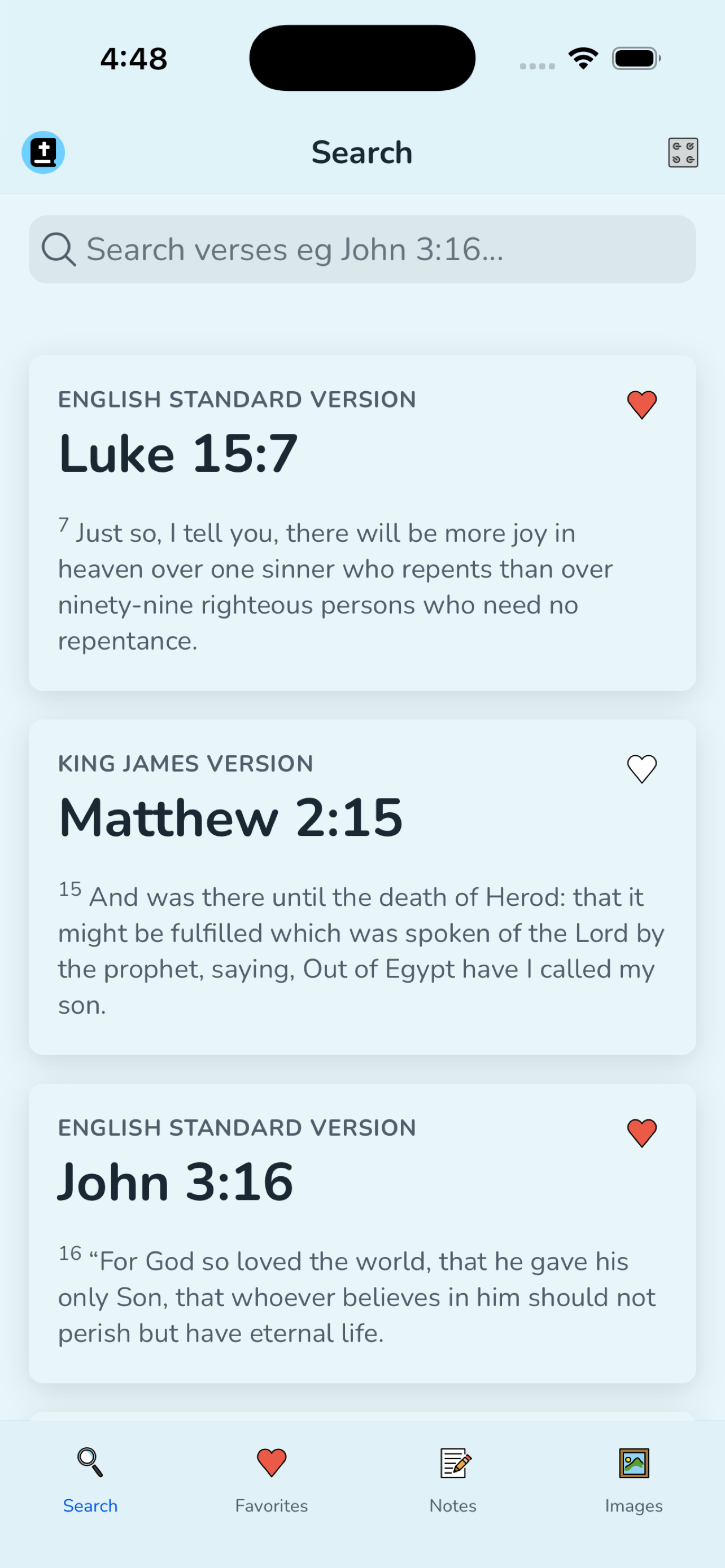
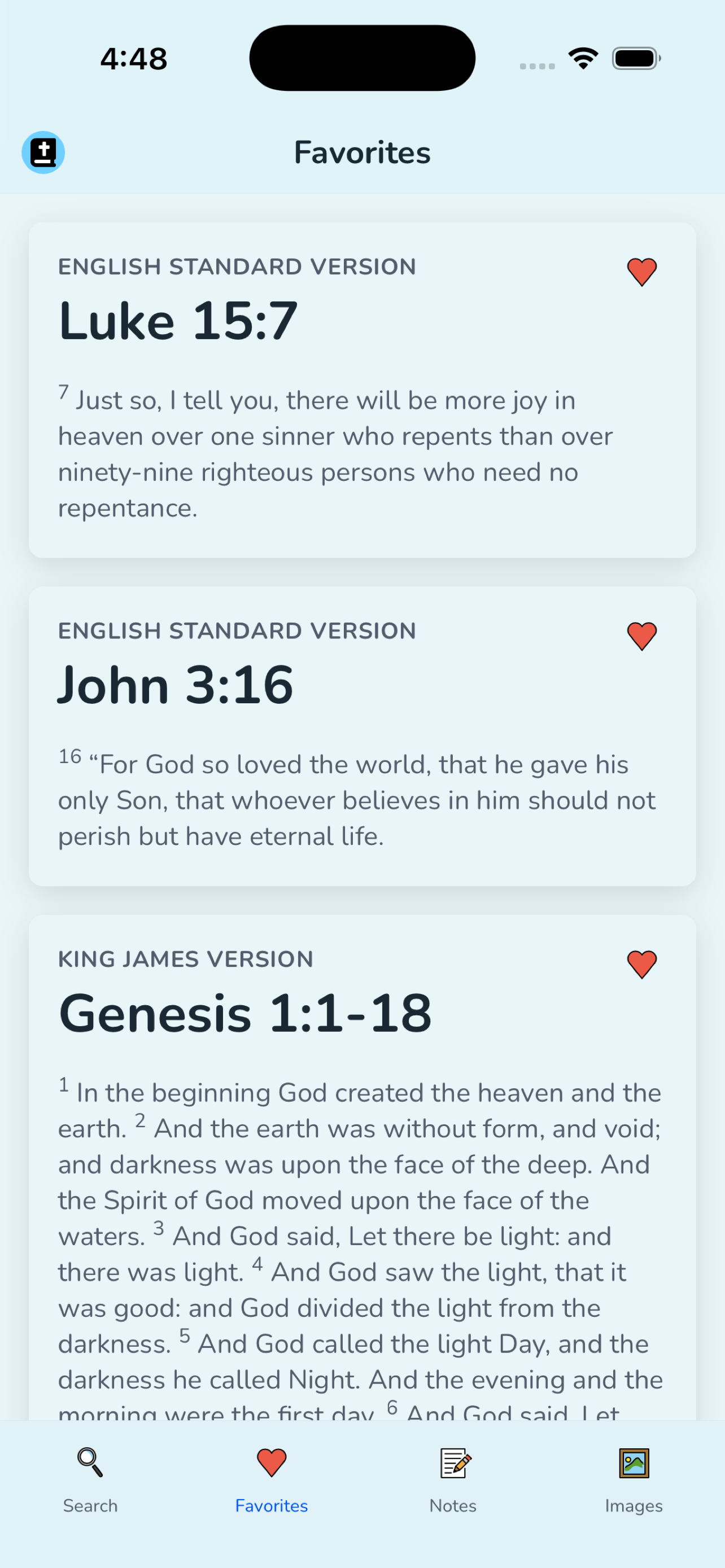
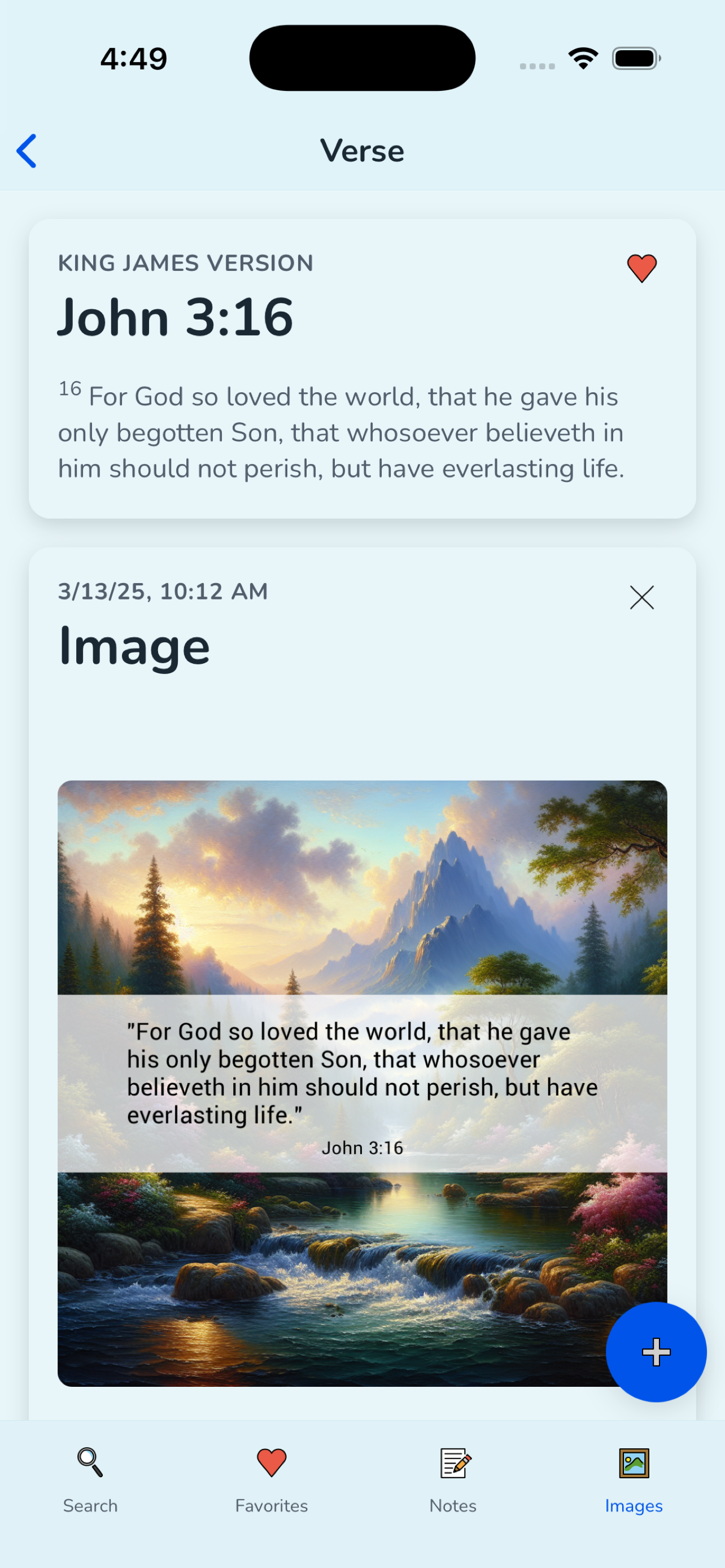
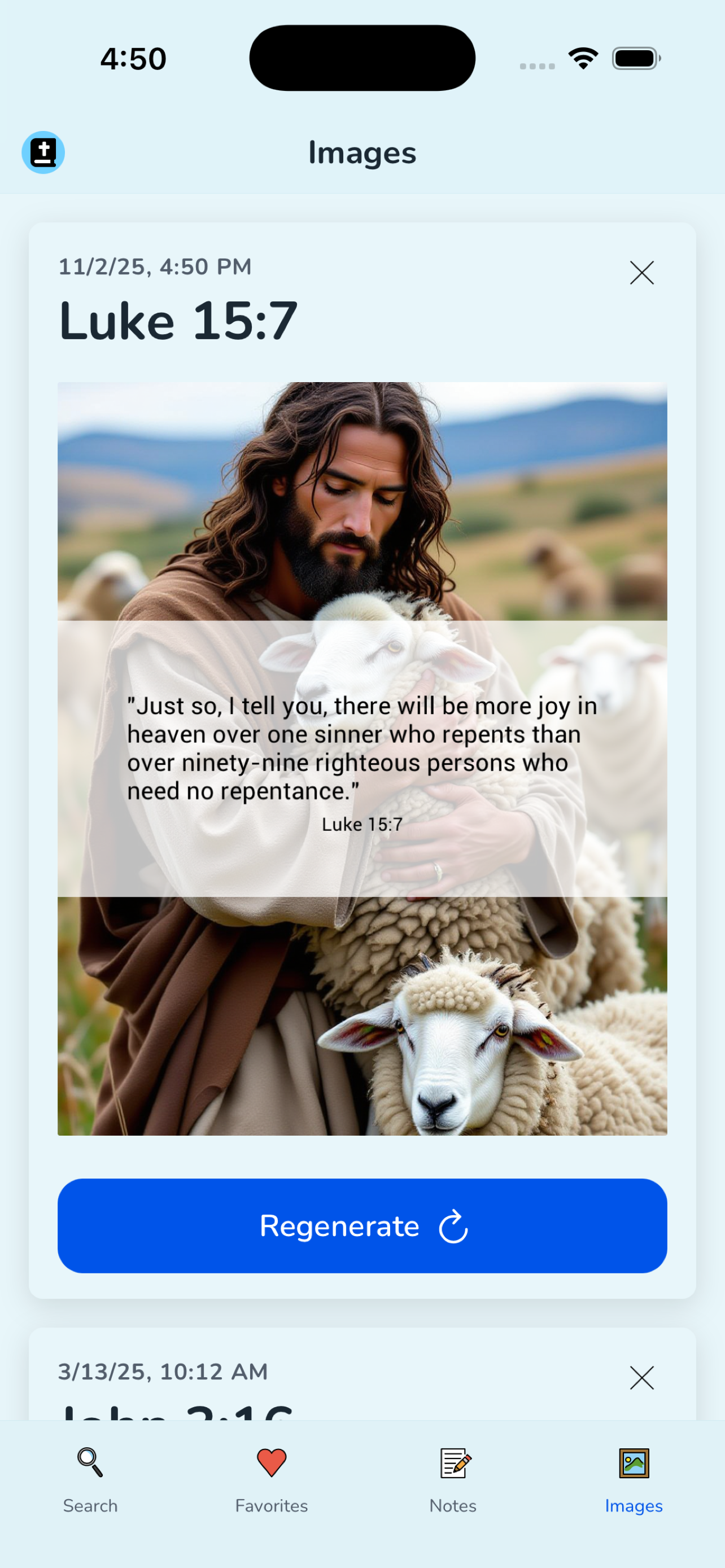
With Hey Bible you can search for verses, save your favorites, add notes, and create beautiful, unique images of your favorite Bible verses to share with friends.

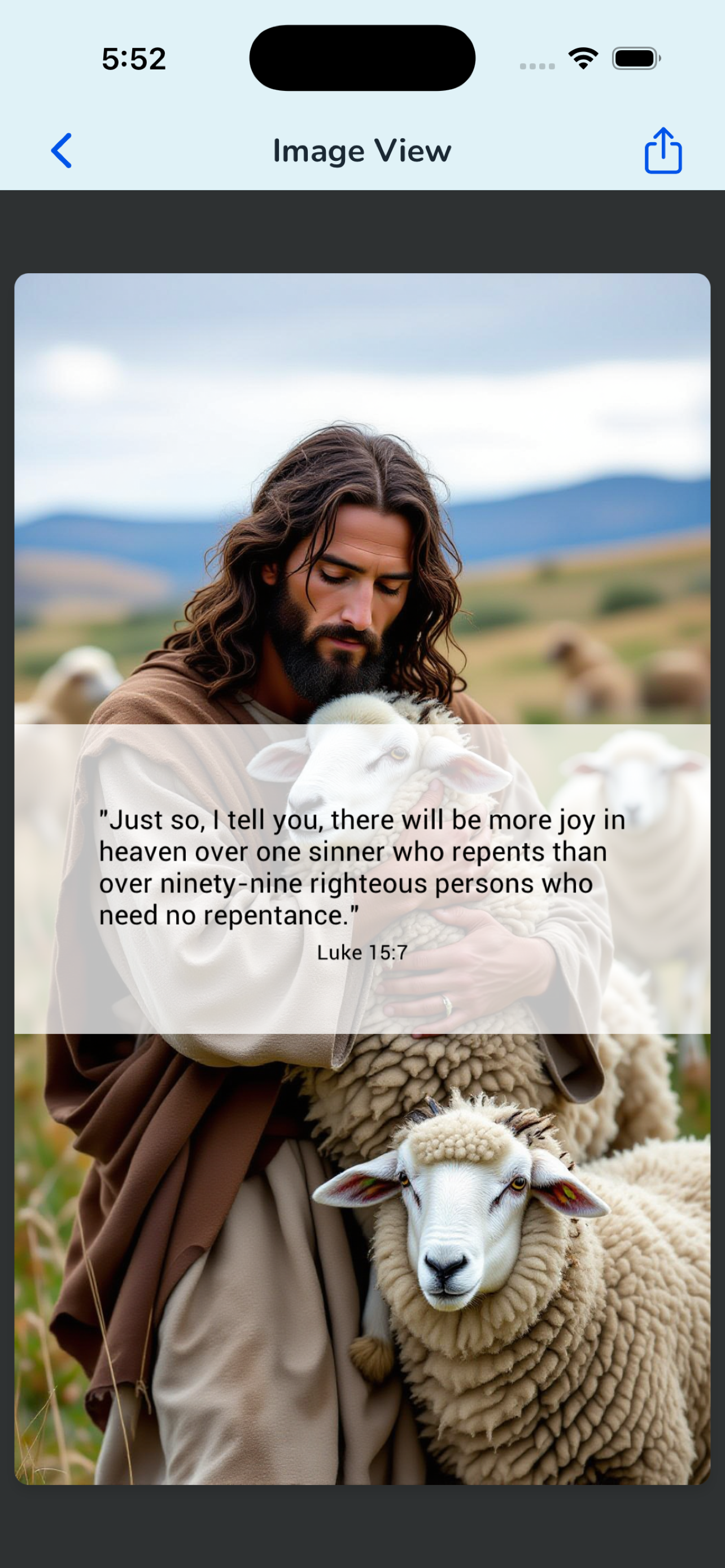
App
Hey Bible is available on the web, iOS, and Android. Create an account using your email, or sign in with Apple or Google.
Once you're in the app, type a verse reference like "John 3:16" or "Matthew 18:3-4". You can tag and favorite verses, add notes, and generate images with just a few taps.



API
Hey Bible provides a REST API for programmatic access to your saved verses, notes, and images. Generate an API key from your account settings to get started.
- Generating API Keys - How to create and manage API keys
- Node.js Client - Official Node.js SDK
- CLI - Look up Scripture from the terminal, scripts, and agents
- API Reference - Full OpenAPI documentation
For AI Agents
Give AI agents access to the Bible. Connect MCP-native assistants like Claude Desktop with the Model Context Protocol, or install the Agent Skill for OpenClaw-compatible agents.
- MCP Server Setup - Installation and configuration guide
- Agent Skill - Install the
hey-bibleskill from ClawHub